What Type of Mouse is Best? A Comprehensive Guide to Choosing the Perfect Mouse


Choosing the right computer mouse is crucial for enhancing your productivity, gaming performance, and overall computing experience.
Whether you are a gamer seeking precision, a CAD designer requiring high sensitivity, or a casual user needing reliable everyday performance, the best computer mouse for you depends on a variety of factors. In this comprehensive guide, we explore different types of computer mice—including wired, wireless, ergonomic, and specialized models designed for gaming or CAD work.
We also cover essential factors such as connectivity, comfort, DPI settings, and additional features like programmable buttons and RGB lighting.
Types of Computer Mouse
Understanding the different types of computer mouse is the first step toward making an informed decision. Below are the main categories:
Wired Computer Mouse
A wired computer mouse is typically favored for its reliability and consistent performance—especially in gaming and professional environments. The absence of battery concerns ensures uninterrupted usage, although mobility might be limited.
Wireless Computer Mouse
Wireless mice offer greater freedom of movement and create a cleaner workspace by eliminating cables. However, users should consider potential latency issues and the need for regular battery replacements or charging.
Ergonomic Computer Mouse
Designed with user comfort in mind, ergonomic mice help reduce strain and the risk of repetitive stress injuries such as carpal tunnel syndrome. They often feature contoured shapes tailored to the natural curve of the hand, making them ideal for long working hours.
Gaming Computer Mouse
Gaming mice are built for precision and speed. With high DPI settings, customizable buttons, and sometimes RGB lighting, they cater specifically to gamers who need rapid responses and detailed control during intense gaming sessions.
Specialized Mice for CAD Design
For professionals in CAD design, specialized mice offer enhanced precision and customizable features that accommodate complex design software. These models often provide additional programmable buttons and high sensitivity for detailed work.
Factors to Consider When Choosing a Mouse
When selecting the perfect mouse, consider the following factors:
Usage: Determine whether your primary use is for gaming, office work, creative design, or everyday tasks.
Comfort and Ergonomics: Look for a mouse that fits comfortably in your hand. Ergonomic designs can help prevent long-term discomfort and injuries.
Connectivity: Choose between wired and wireless based on your need for mobility and uninterrupted performance.
DPI and Sensitivity: High DPI is crucial for tasks requiring precision—such as gaming and CAD design. Ensure the mouse settings can be adjusted to meet your requirements.
Additional Features: Evaluate extra functionalities like programmable buttons, adjustable weight, RGB lighting, and on-the-fly sensitivity adjustments.
Budget: Consider the cost, as the best inexpensive computer mouse might offer just the right balance between performance and price.
Best ergonomic computer mouse
Odabrao smo best buy miševe najboljih karakteristika. Cijene ovih miševa su od par 2-3 $ do 20tak dolara.
LEFON Vertical Wireless Ergonomic Mice with OLED Screen
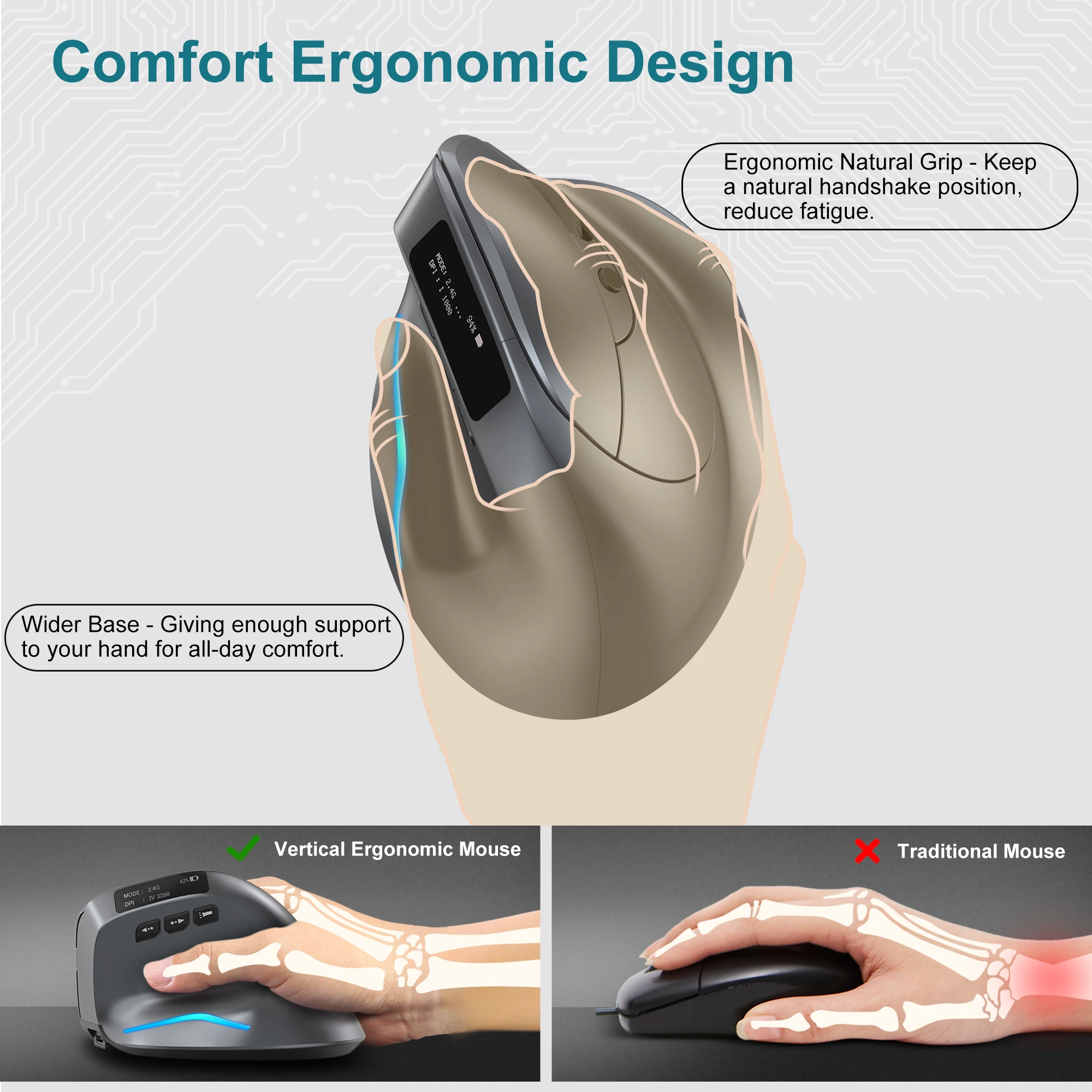

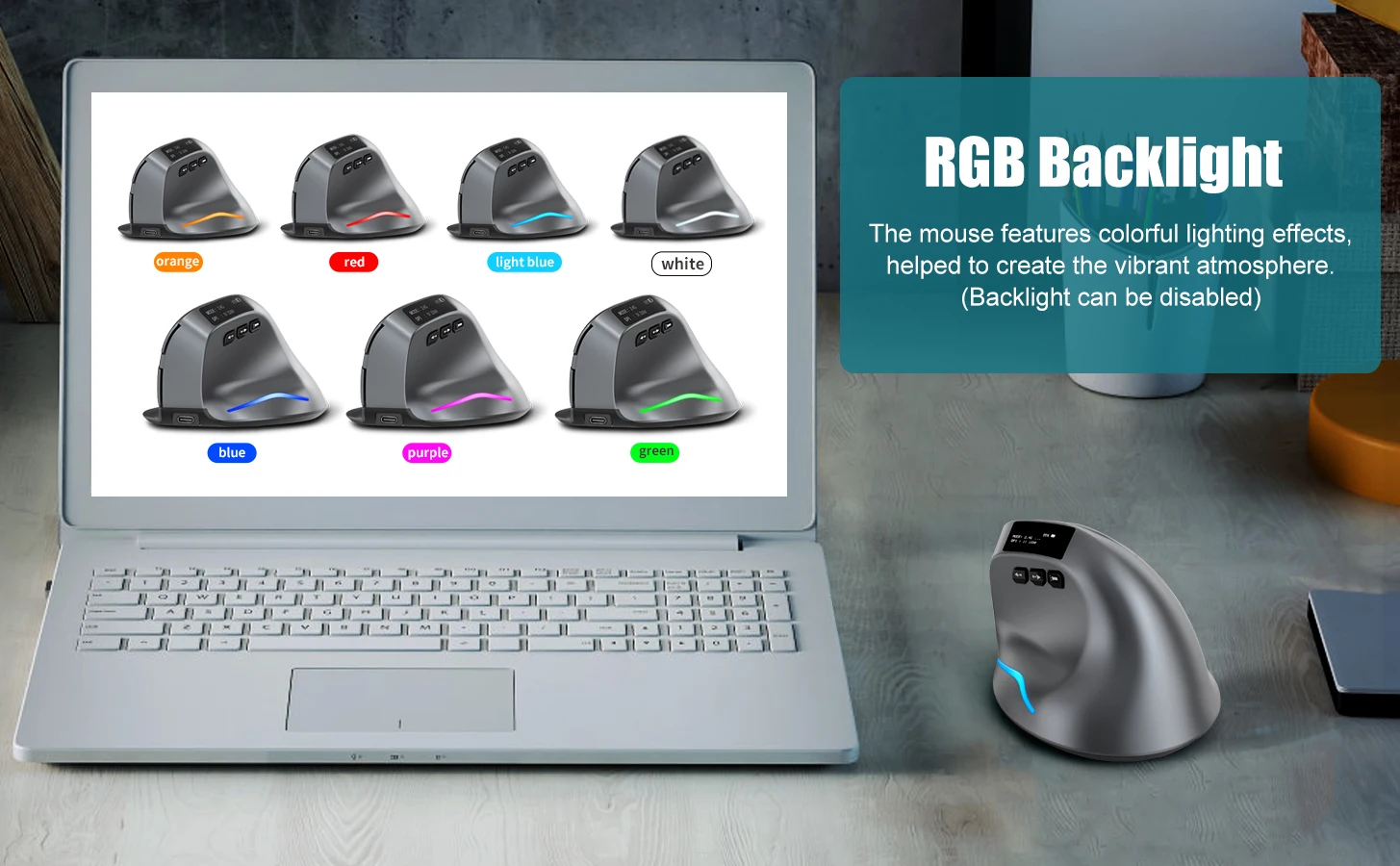

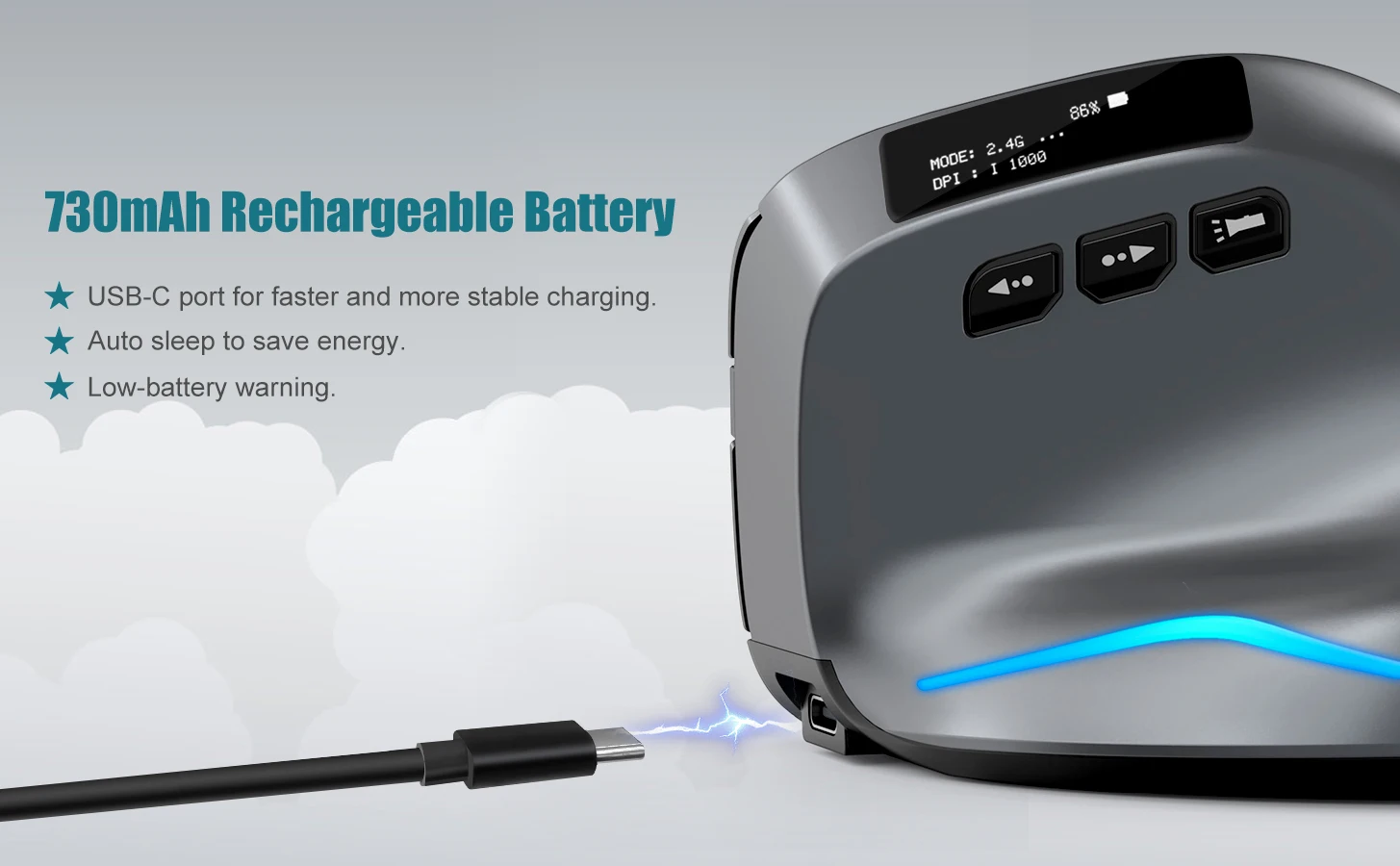
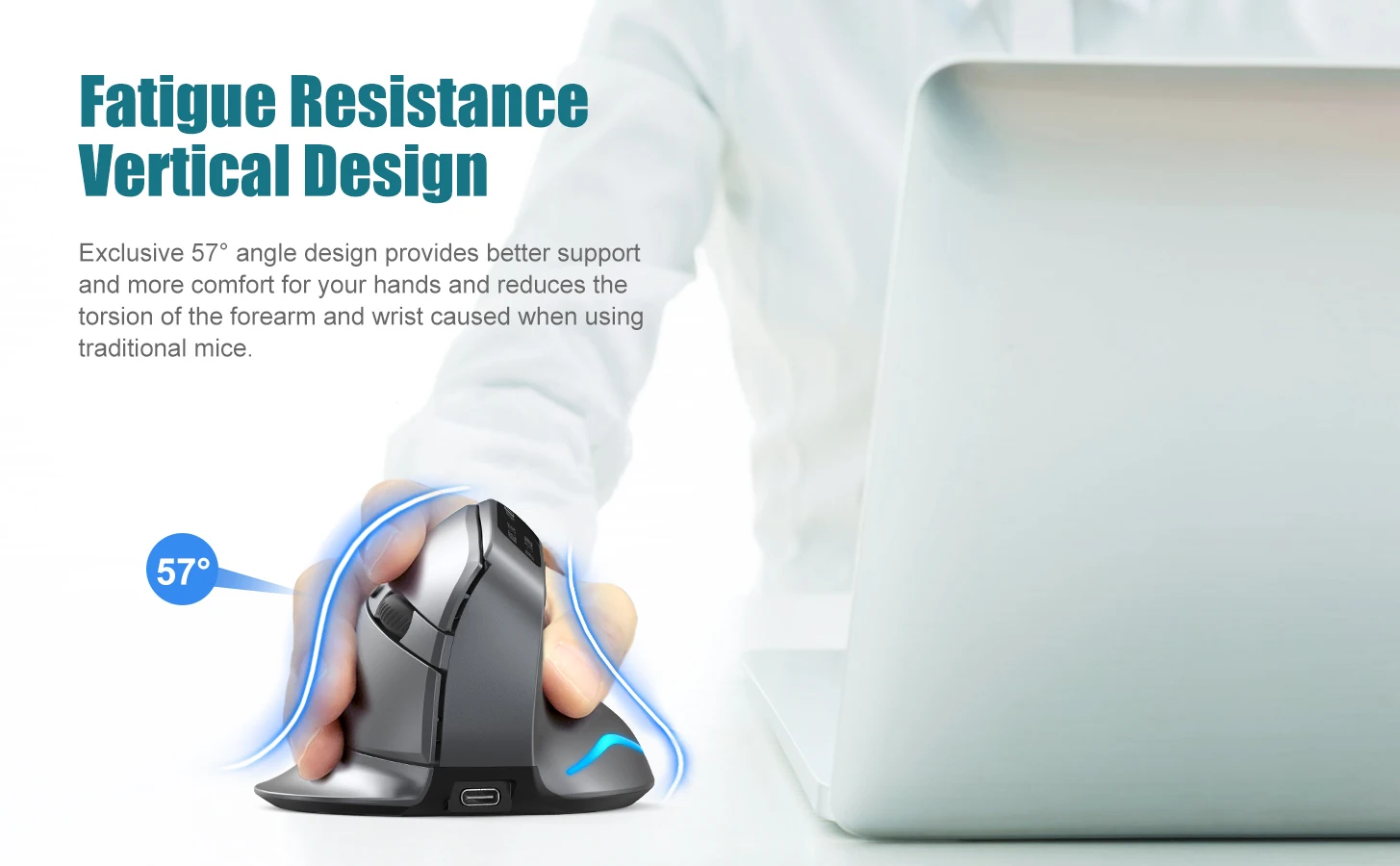
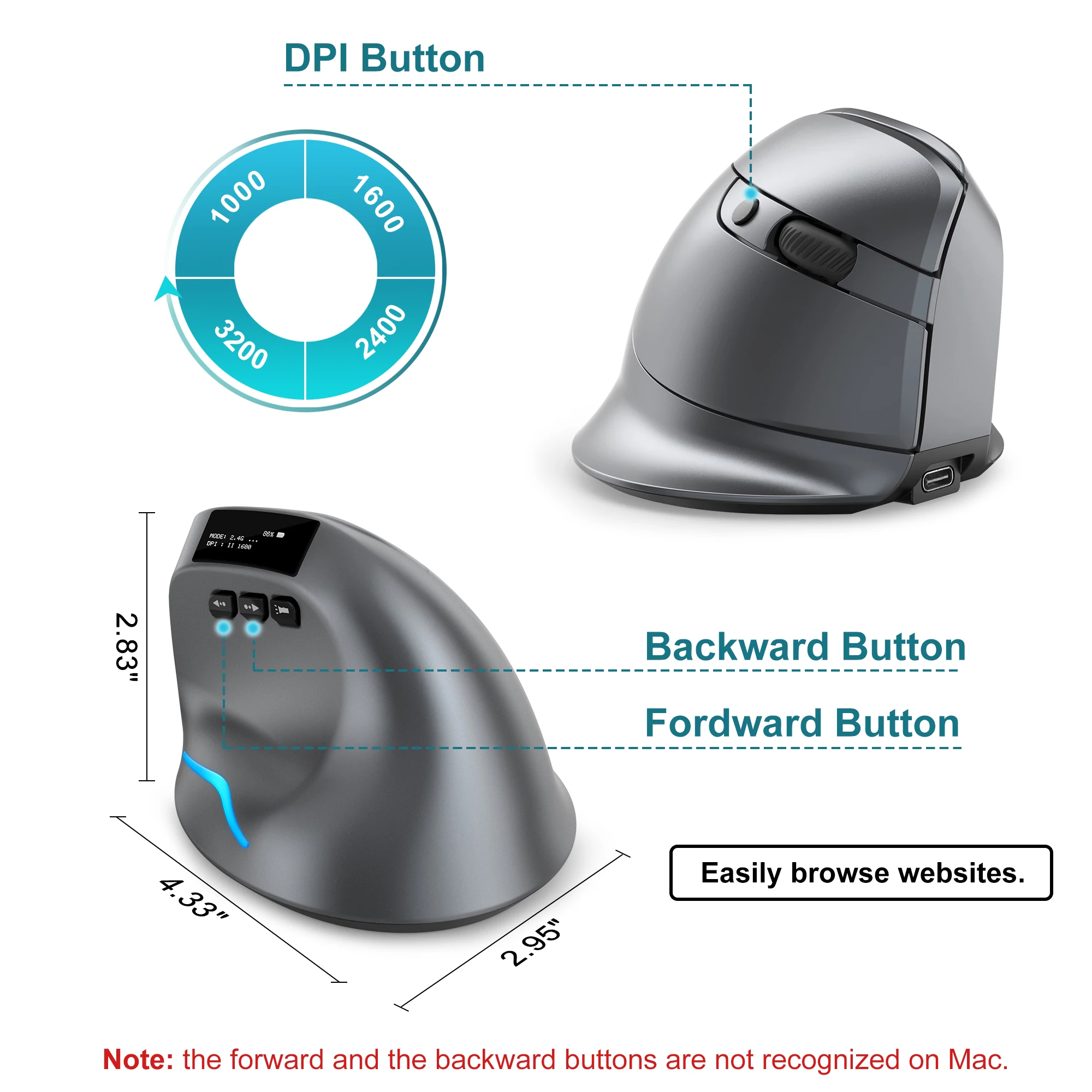
Number of keys: 8
Optical resolution: 1000-1600-2400-3200dpi
Battery capacity: 730mA
Charging line length: 1.5M
Wireless distance: ≥ 10m
Wireless technology: Bluetooth -Compatible
Wireless distance: 10m
Support ergonomics: Yes
SEENDA Vertical Wireless Mouse
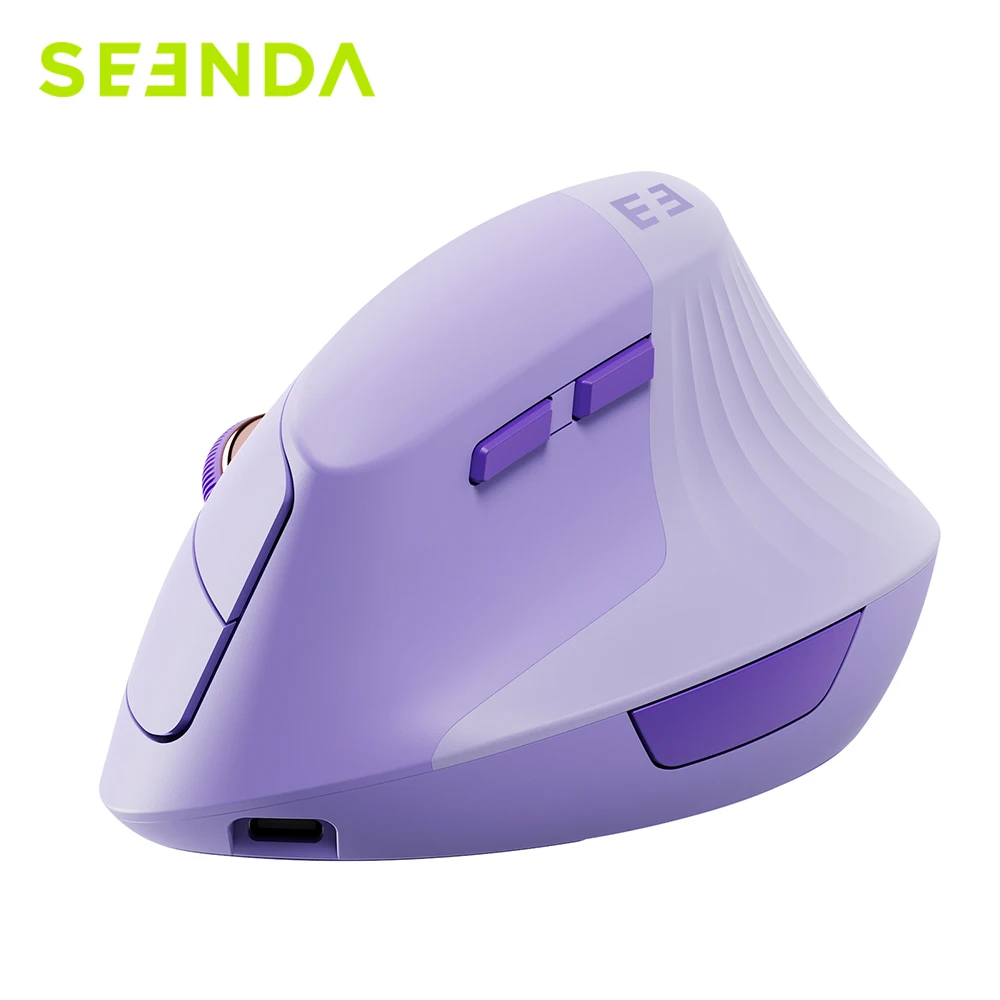
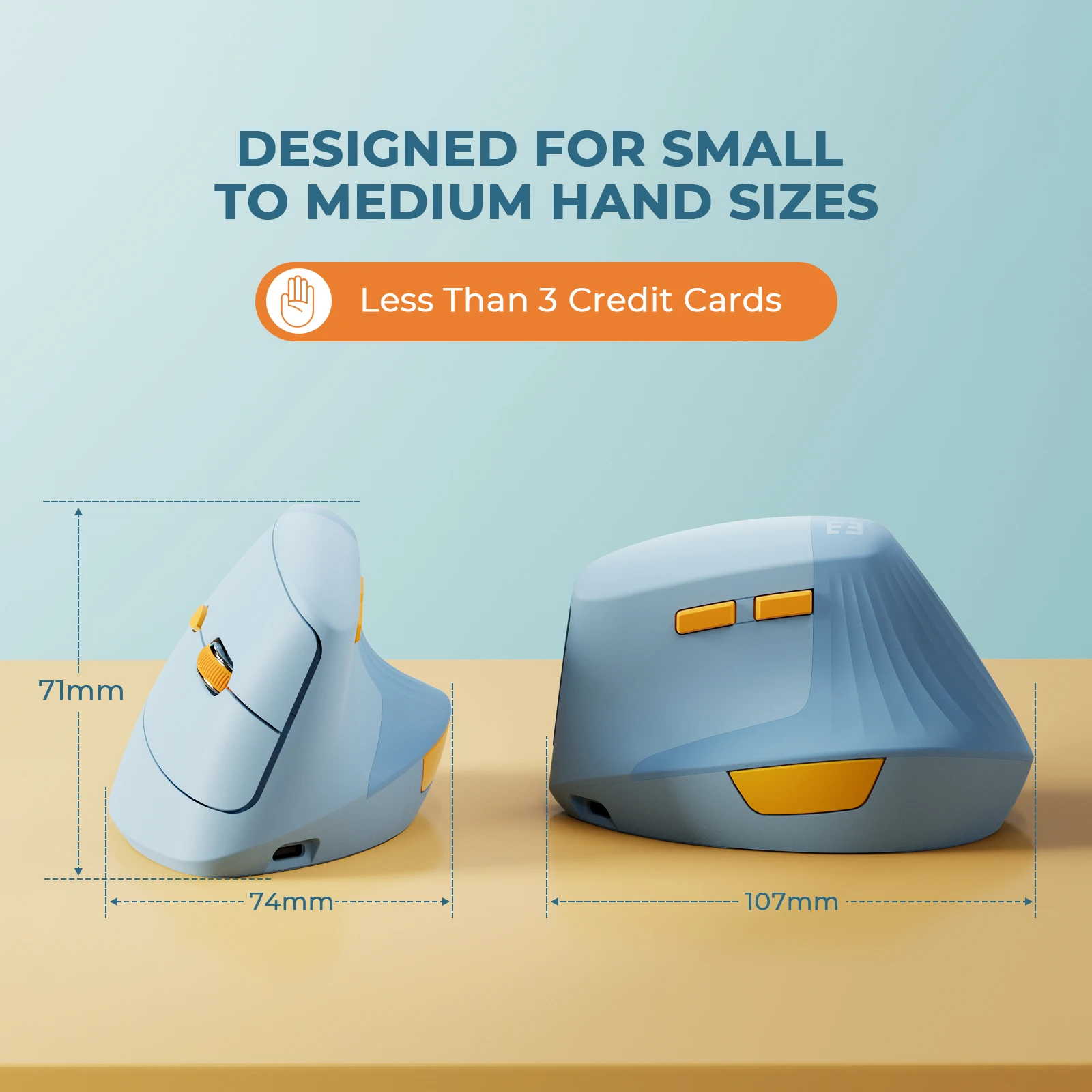

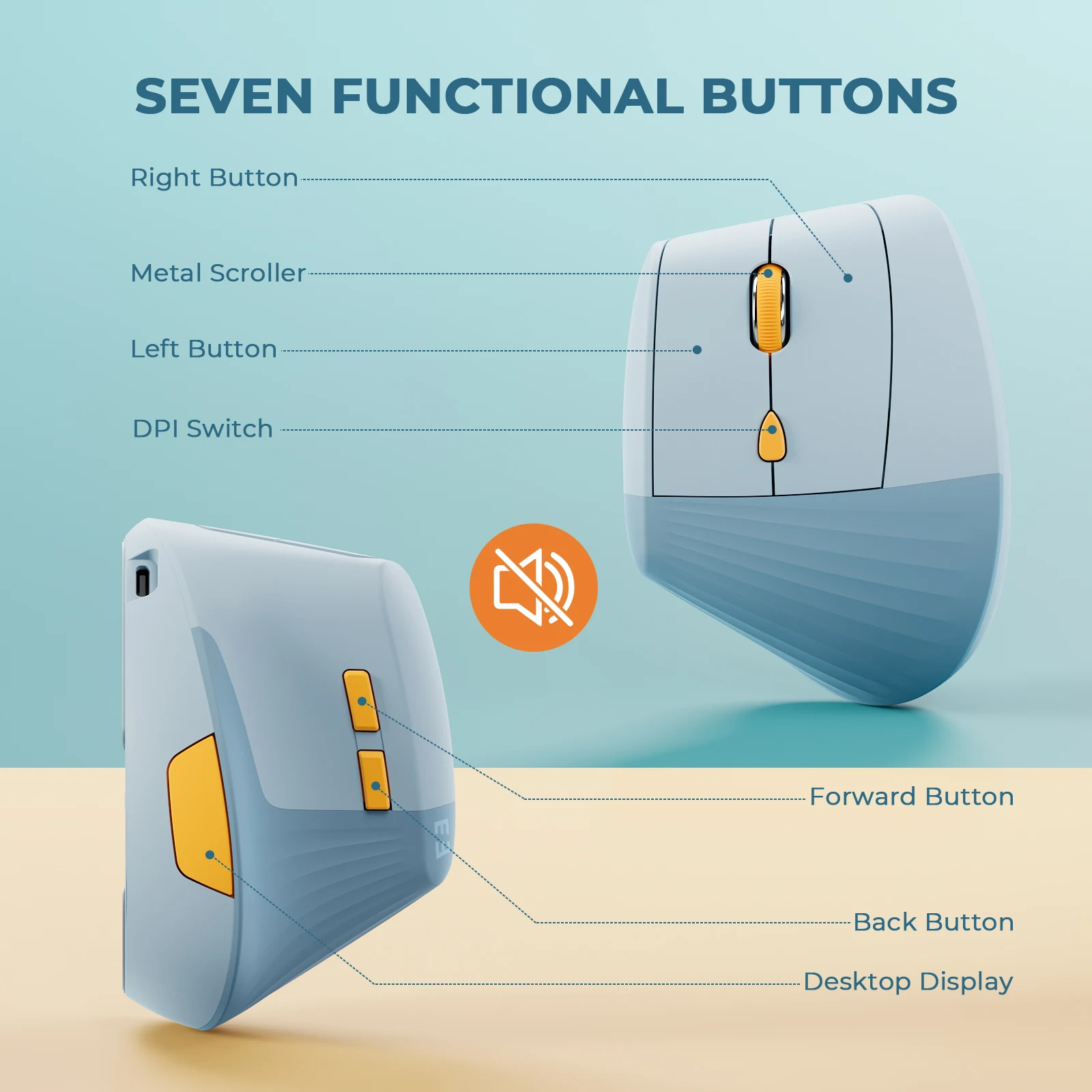
Wireless Mouse, Type C, Rechargeable, Ergonomic, USB & Type C, Mice for Laptop, PC, MacBook, Windows, Android
HM Vertical Wireless Mouse

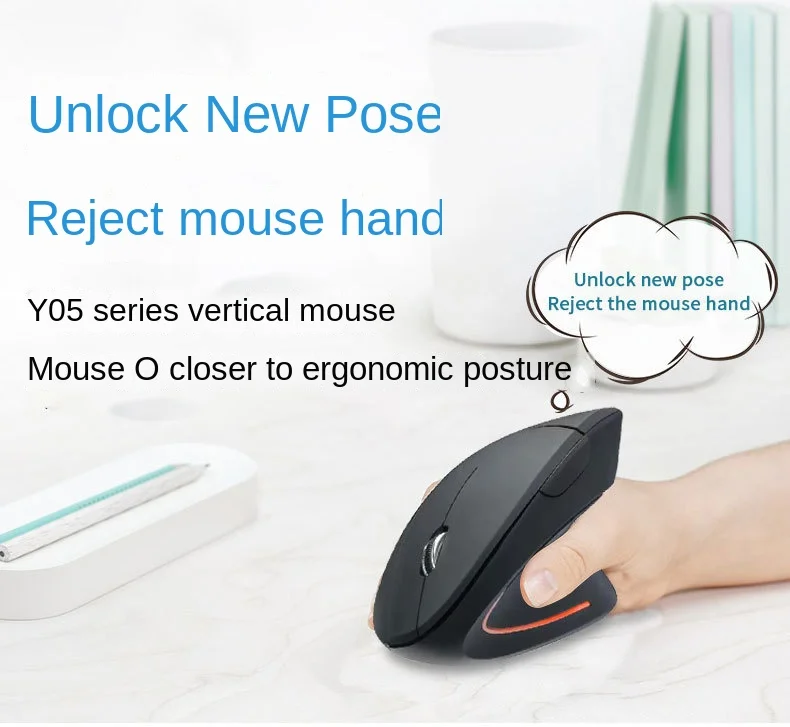


Wireless Mouse, Vertical, Wired USB, Ergonomic, Luminous, 2.4G, Bluetooth, Game
SUPMANGO Vertical Mouse




• Ergonomic Design
• 2.4GHz & Bluetooth 5.0 Wireless :Equipped
• Adjustable DPI :With 3 adjustable DPI settings of 800/1200/1600
• 6 Buttons
How to Maintain Your Mouse
To ensure your mouse performs at its best for years to come, consider these maintenance tips:
Regular Cleaning: Keep your mouse clean by wiping it down with a soft, lint-free cloth. Clean the sensor area gently to prevent dust accumulation.
Battery Maintenance: For wireless mice, replace batteries regularly or ensure that rechargeable models are charged frequently.
Software Updates: Update any drivers or software provided by the manufacturer to keep your mouse functioning optimally.
Storage: When not in use, store your mouse in a dust-free area to avoid any physical damage or dirt build-up.
Conclusion
Choosing the best type of mouse ultimately depends on your individual needs and preferences. By understanding the differences between wired, wireless, ergonomic, gaming, and specialized mice, you can make an informed decision that enhances your computing experience.
Remember to consider factors such as comfort, connectivity, DPI, and additional features. Check out the recommended products on AliExpress through our affiliate links for quality and affordable options. Enhance your workflow, protect your health, and enjoy a seamless computing experience with the perfect mouse.